Media proposals in 2 minutes, not hours.
Pick sites from your inventory, click Generate, and send a client-ready PowerPoint and Excel rate sheet. No copy-paste, no rebuilding slides. Then run the campaign and collect every site's proof in the same place.
- No training course
- We move your inventory in
- Your logo, your format
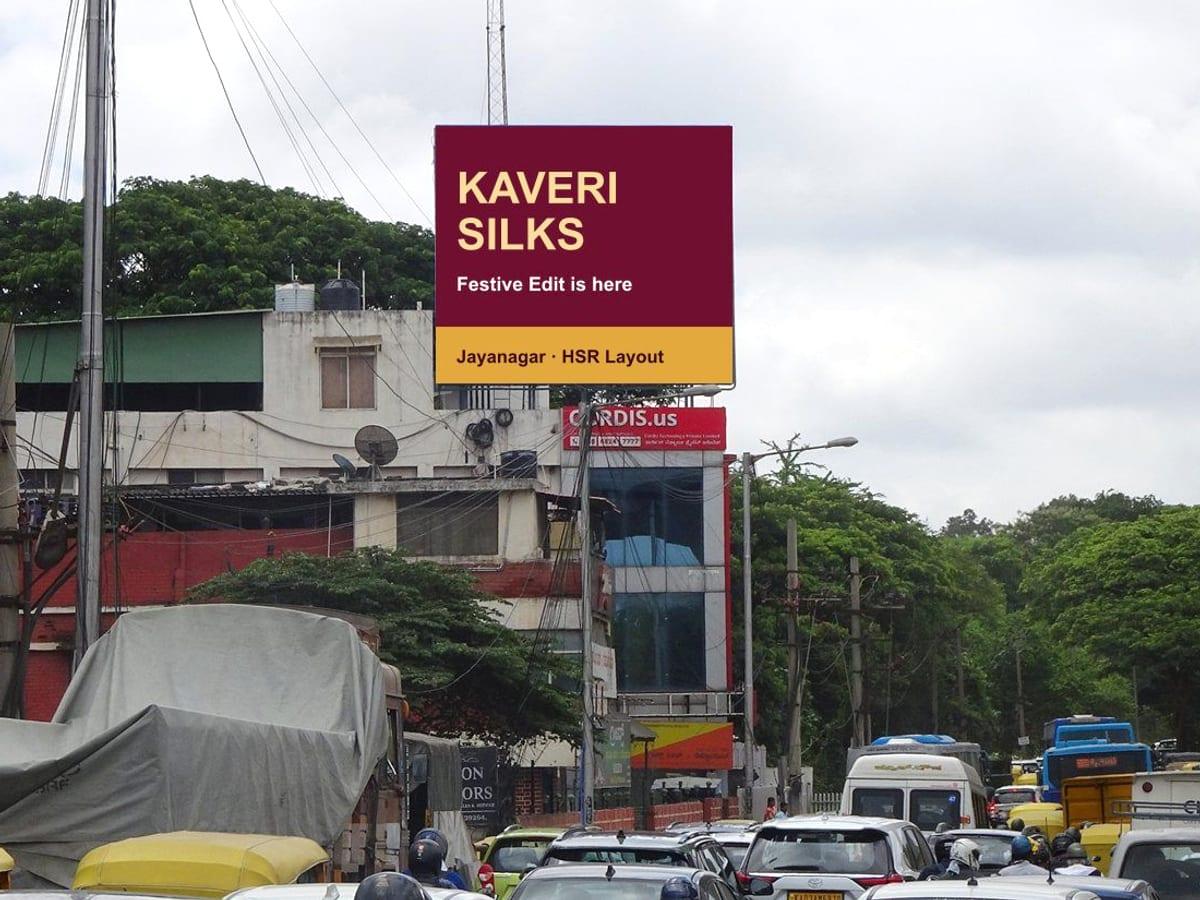
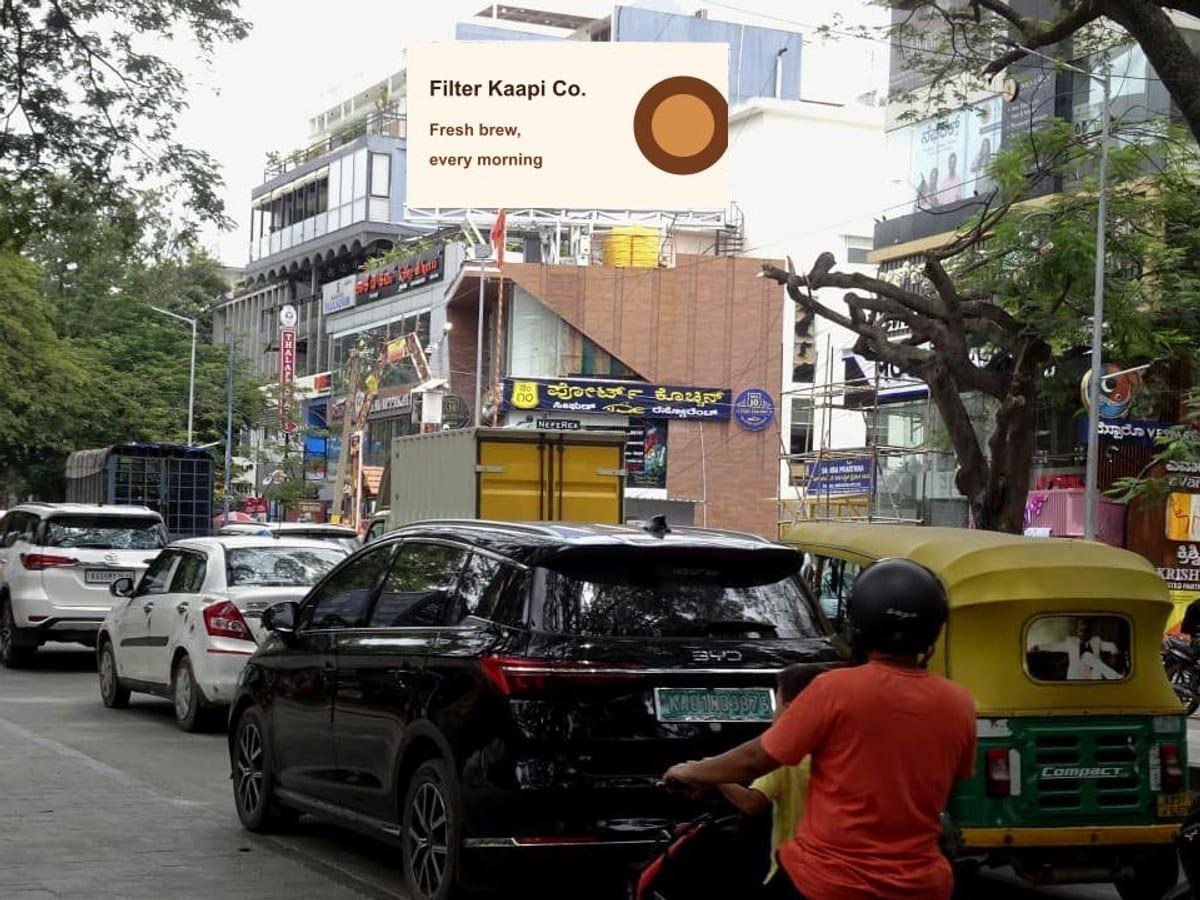
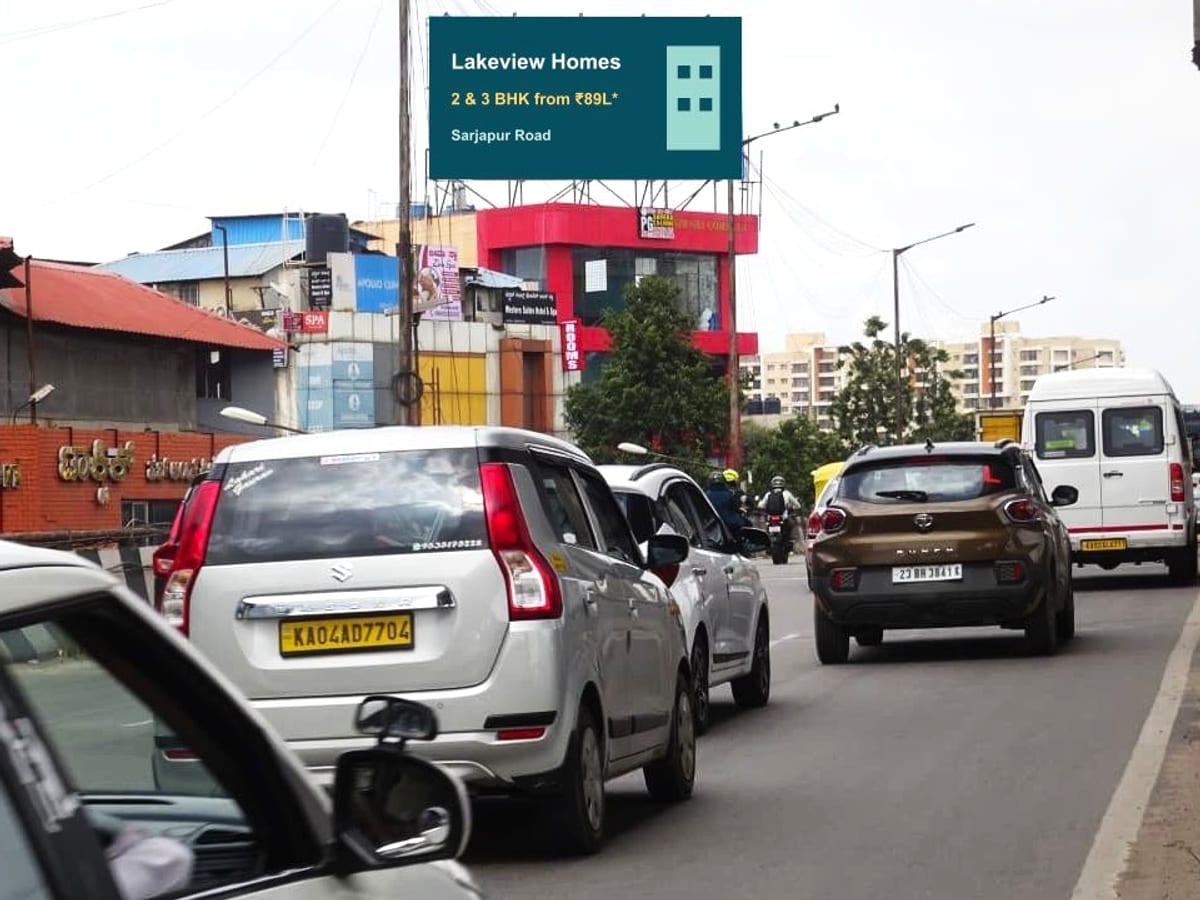
- 1 · Win itProposalPick sites, generate the PowerPoint and Excel, and send. In about two minutes.
- 2 · Run itCampaignConvert the accepted proposal in one click. Anything slipping is flagged before your client notices.
- 3 · Prove itProofPhotos from the site, a list of who still owes you one, and one link for your client.
One record from proposal to proof. Same sites, dates and prices, nothing retyped.
See how 360 Creations runs itWin it
Get the proposal out in two minutes.
Watch it work
Pick sites. Press Generate. Send.
The old way vs. Gleqta
Hours of copy-paste, or two minutes.
Today
- Dig site photos out of WhatsApp and old decks1 hr
- Copy rates and sizes into a fresh Excel30 min
- Rebuild every slide in PowerPoint2 hrs
- Fix totals, GST and typos30 min
- Client wants changes. Start againrepeat
- After the yes: chase partners for photos, rebuild the proof report2 hrs
Per proposal2 hours to 3 days
With Gleqta
- Filter your inventory and tick the sites1 min
- Click Generate: PowerPoint and Excel, in your formatseconds
- Send the files, or a live pitch link1 min
- Client wants changes? Edit and regenerate. Every version is kept1 min
- After the yes: photos come in, and your client has one link that fills itself in0 min
Per proposal2 minutes
How it works
Four steps. No copy-paste.
- 1
Select
Filter by city, area, format or distance from a landmark. Your own sites and your partners' sit in one list.
- 2
Generate
One click builds the PowerPoint and Excel with photos, specs, rates and GST, in your format with your logo.
- 3
Send
Attach the files, or share a pitch link that opens neatly on WhatsApp. Your client doesn't need a login.
- 4
Revise
Client wants changes? Edit and send again. Every version is kept and compared with the last.
What your client receives
Files you'd be proud to send.
Built from your inventory, in your format, with your logo. Nothing to fix before it goes out.
- 1
A title slide, a section for each media type, one slide per site and a thank-you slide, all with your logo.
- 2
Photos, size, facing and lighting come straight from your inventory. DOOH slides add resolution, loop and slot.
- 3
Same look every time, whoever on the team makes it.
- Download a real sample
Run it
Every site tracked from booking to live.
Campaigns
After the yes, every site tracked to live.
Convert the accepted proposal into a campaign in one click. Each site goes live when its first photo comes in, so the tracker keeps itself.
- Progress comes from the photos
- A start photo makes a site live and an end photo completes it. Nobody updates a status by hand.
- Problems show up early
- A missing start or end proof is flagged, a site starting within three days with no creative is marked at risk, and double bookings are caught before they happen.
- One creative for the whole campaign
- Record it once, then tick off the approval, the sizes and who it has been sent to: your screens, the printer, each partner.
Prove it
Show the client every site went up.
Campaign proofs
Proof your client believes, on one link.
The client wants to know every site went up and stayed up. Collect the photos once, and the report and the link are made for you.
- Shot at the site, with the place on the photo
- Your team takes the photo in the app. It records where and when, and stamps the date and site name on it.
- Know who owes you photos
- Missing proofs are grouped by partner, with a message ready to paste into WhatsApp.
- One link for the client
- They open it on a phone with no login and see every site as it goes up. Or send the PowerPoint report.
Customer story
360 Creations runs proposals, campaigns and proofs in one place.
Their own sites and their partners', across Bengaluru, Chennai, Hyderabad and Pune, sit in one searchable list. Every proposal is built from it, and the campaign and its proof photos follow in the same place.
- sites
- 110
- screens
- 391
- site photos
- 208
- cities
- 4
Finding sites
The right sites, and whether they're free.
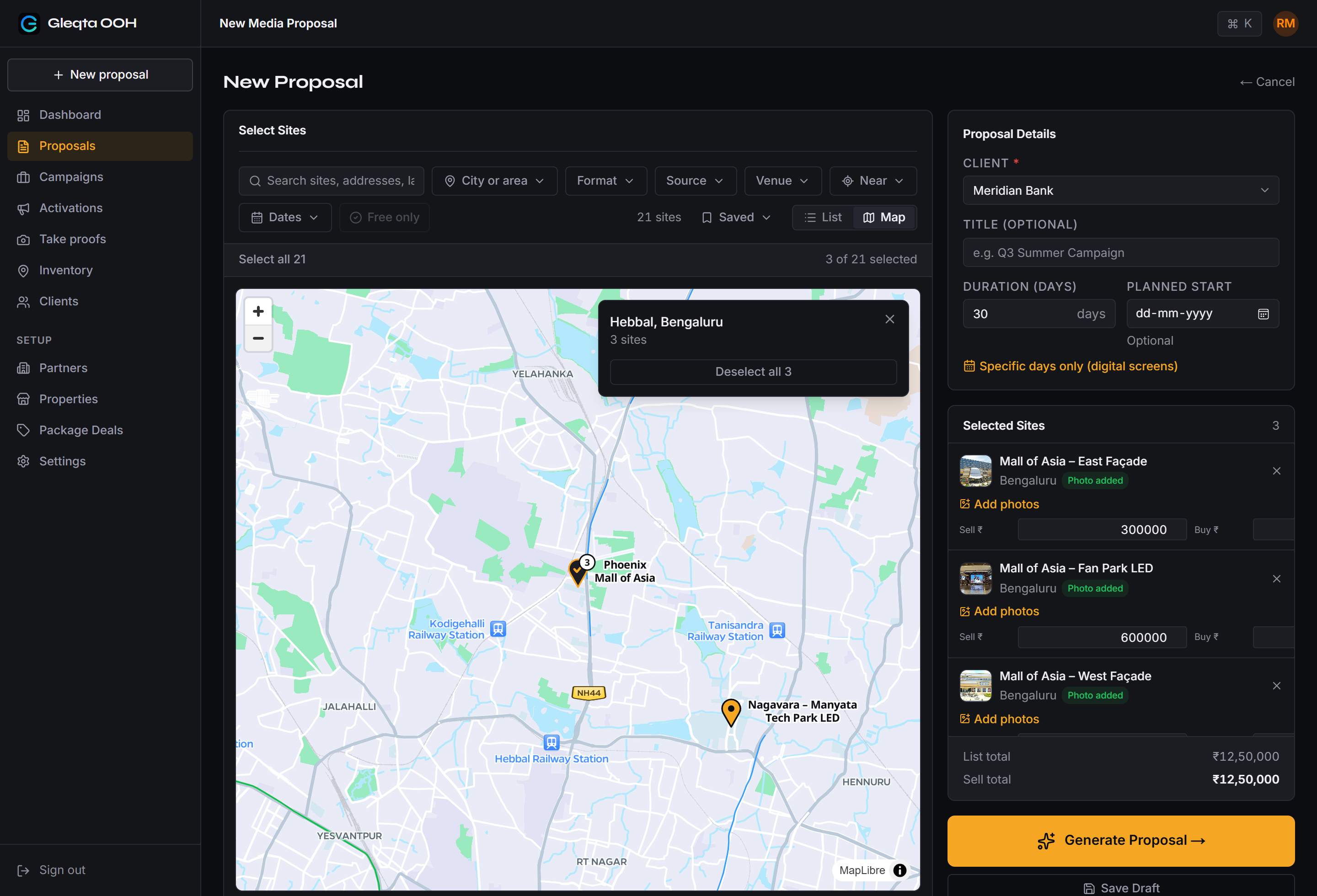
Your client thinks in places and dates: the mall near their store, from the 10th. Pick sites on a map, check them against the dates, and stop pitching what's already sold.
- 1
Switch any site list to a map, including when you build a proposal.
- 2
Sites cluster by area. Select a whole area in one click, and the proposal builds as you go.
- 3
Add a new site by moving the map to the spot. If a mall is already there, it's picked for you.
Partner inventory
Your partners' rate cards, in without retyping.
Every partner sends a different Excel and a deck of photos. Upload both, answer a few questions, and their sites sit next to yours, ready to propose.
- Any layout
- Merged cells, two-row headers, "Bengalore" and "DGTL". Gleqta reads the sheet and learns each partner's format.
- Nothing guessed
- It asks only what it isn't sure about, and nothing is saved until you confirm.
- Photos land on the right screen
- Drop in the partner's PPT deck and each slide's photos are matched to their site.
- Next month is quicker
- Re-upload the new sheet: rates and availability update, and every rate change is kept on record.
Everything else
Built for how Indian OOH agencies actually work.
The details that usually live in someone's head or a side spreadsheet, handled in the product.
Proof photos from the phone
Start and end photos taken at the site, marked GPS when close by, or newspaper-in-frame when they arrive on WhatsApp.
Who owes you photos
Missing proofs grouped by partner, with a message ready to paste into WhatsApp.
A client link that fills itself in
One page your client opens on a phone, no login, with no prices and no partner names. It updates as sites go up.
Campaigns with flags
Convert an accepted proposal and see which sites are live, at risk or missing proof, without chasing.
Activations (BTL)
A venue catalog of malls and corporate parks, and activation proposals with their own PowerPoint and Excel.
DOOH, priced properly
Loops, slots and plays per day worked out for you. Book chosen days of the week, priced by your policy.
Packages and discounts
Bundle sites into a deal, apply it to some of them, and set the discount yourself.
Partner pricing and margin
Buy price from each partner's commission or a negotiated rate. Margin is calculated on every proposal.
900+ venues pre-loaded
Malls, corporate parks with their tenant companies, and airports across major cities, ready to use.
Partner decks, photos matched
Drop in the partner's PowerPoint and each slide's photos are matched to the right screen. Logos and repeats are left out.
What you owe each partner
On every campaign, see what each partner is owed, worked out from your buy prices. Shown to admins only.
Your team, your roles
Invite your team by email. Admins, staff, and field staff who only take proofs.
- ₹ and GST
- State → city → zone → area
- Minimum booking days
- Part-month pricing
- Printing and mounting by city
Getting started
We set you up. You send what you have.
No training course and no data entry for your team. Share your rate cards, decks and photos as they are, even if they're incomplete. We start with what you have and fill the gaps together.
- Short call
Step 1
Your vocabulary
We set up your zones, areas, malls and print materials once, so nobody types "BG Road" three different ways again.
- We do the work
Step 2
Your inventory, moved in
We import your rate cards, your partners' sheets and your photo decks. Still missing a photo or a detail? Send it when you have it and we'll add it. You check; we fix.
- Together
Step 3
Your first proposal, together
Pick real sites for a real client, generate the PowerPoint and Excel, and send it. That's the moment you stop going back to Excel.
FAQ
Questions agencies ask us
Still have a question? Email us.
How long does it take to get started?
It depends on how much you have ready, and it moves quickly because we do the work. We take three steps with you: setting up your areas and malls, importing your inventory, and making your first proposal together. Send what you have and we start; anything missing can follow.
Do we have to re-enter our inventory?
No. We import your Excel rate cards and PowerPoint decks for you, including your partners' sheets. Next time a partner sends a new sheet, you upload it yourself in a few clicks.
Will the PowerPoint and Excel look the way our clients expect?
Yes. The files carry your logo and we match your layout during onboarding. The Excel has a summary plus separate sheets for static, DOOH and mall media.
How long does a proposal really take?
A typical proposal of a handful of sites takes about two minutes from picking sites to downloading the files. A large one with dozens of sites takes a little longer, but still minutes, not hours.
Can we sell our partners' sites too?
Yes. Import each partner's rate card, set their commission or a negotiated buy price, and their sites sit next to yours. Your margin is calculated on every proposal.
Does our client need to log in?
No. You can send the PowerPoint and Excel as files, or share a pitch link that opens on any phone without a login.
How do we show the client that every site went up?
Add the start and end photos to each site, from the phone app at the site or from files that reach the office. Then send a PowerPoint report, or one link that opens on any phone and fills in as sites go up.
How is DOOH handled?
Each screen keeps its resolution, loop and slot length, so plays per day are worked out for you. You can book chosen days of the week, priced by your own policy.
Can it tell us if a site is already booked?
Yes. Campaigns you convert in Gleqta appear on a calendar, and you mark anything sold outside it: a partner's booking, a direct deal, or a hold for a client. Then every site shows whether it is free for your client's dates. It warns you and never blocks you.
Is our data kept private?
Yes. Each agency's data is kept separate from every other agency's. The app runs on Microsoft Azure, with photos and files stored on Cloudflare.
How much does it cost?
It depends on the size of your team and inventory. We'll walk you through pricing on the demo call.
Book a demo
See your own sites in a proposal.
Just your name, agency and phone number. We'll call you within one working day and show you Gleqta with sites like yours.
We call you
Within one working day, at a time that suits you.
A 30-minute demo
With sites like yours, so you can judge the output.
We set you up
If it fits, we move your inventory in and get you to your first proposal.
Prefer email?sales@gleqta.com